

Version: v0.2.17/ Size: 19.26 MB/ Android 7.0+
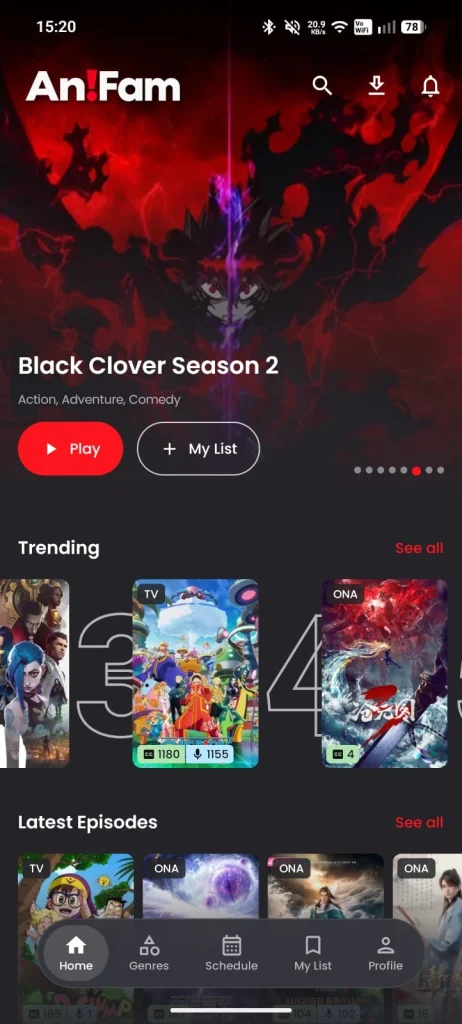
Welcome to AniFam! The app is designed especially for anime enthusiasts looking for a clean place to access their favourite anime without losing time. They only need to look up a title, click on it, select sub or dub in case it is there, and start viewing. Everything is kept simple to ensure that the attention is directed towards the anime.
What is AniFam?
AniFam is an online anime streaming application that allows anime lovers to watch their favourite series on one platform. It does not matter whether the user enjoys adventure, drama, love story, comedy or fantasy anime, because AniFam is developed to allow users to have fun while streaming their favourite series on a single spot. The aim of AniFam is to help anime lovers find new anime series and stay updated about their characters and stories.
Making use of simplicity in terms of navigation and usability, AniFam allows you to easily browse anime content without any hassle. Be an anime enthusiast for years or someone who is just beginning to dive into anime, this app is aimed at finding something to watch for you. From mainstream anime shows to some lesser-known titles, there is always something that you can watch for your entertainment.
Top Features of AniFam Application
Trending and Popular Anime:
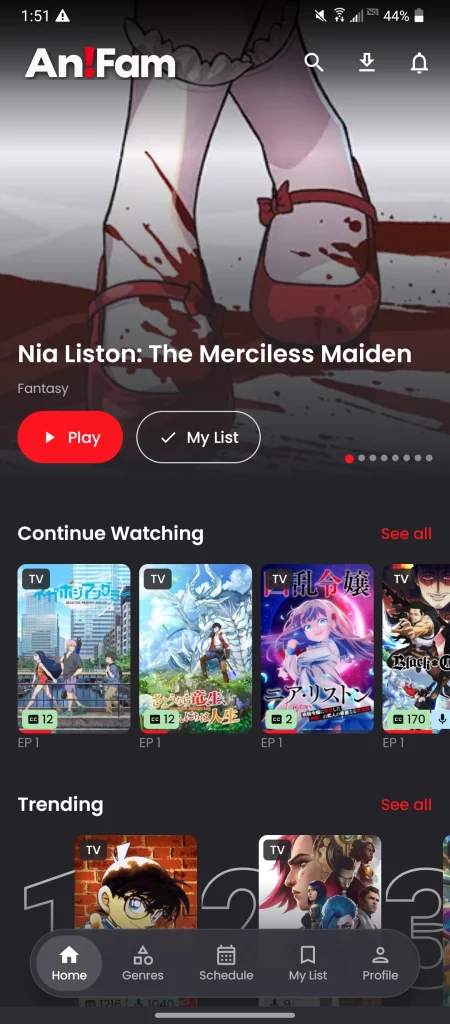
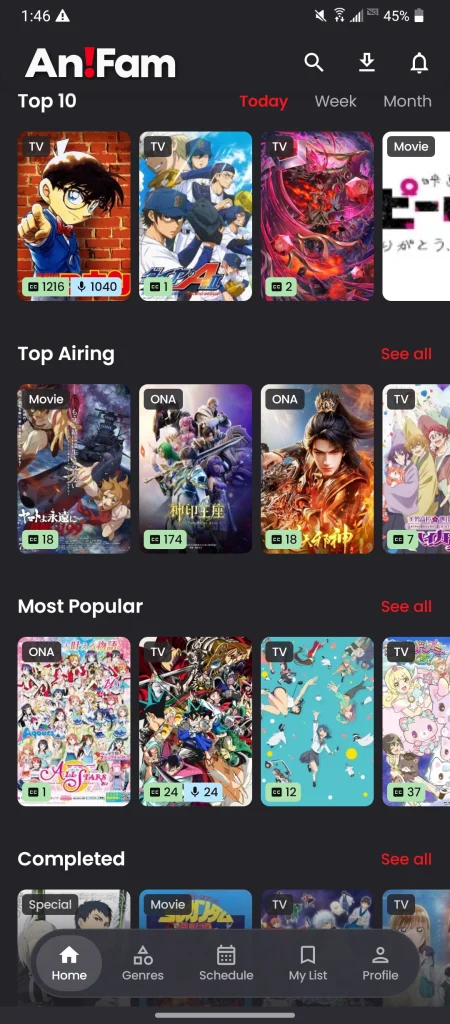
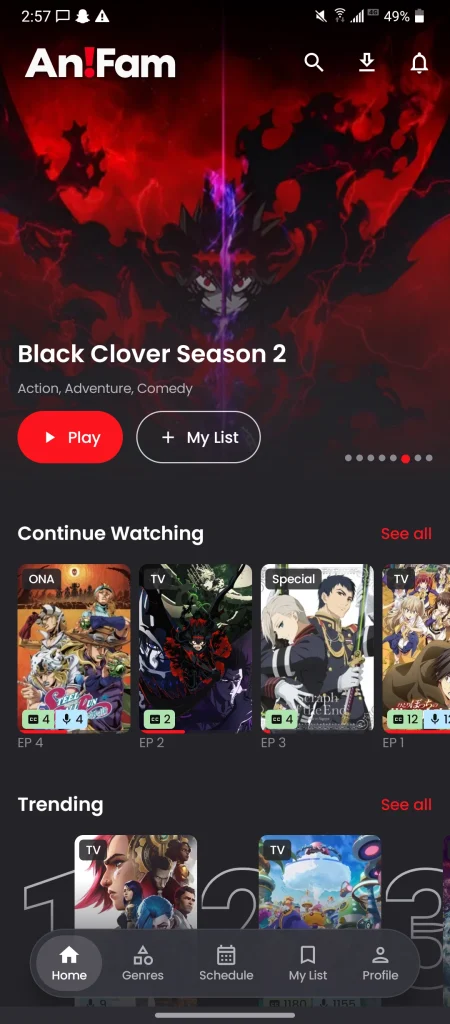
This part will give viewers access to animes that are popular at present among anime lovers. It is possible to show popular anime on the homepage along with their posters, name, genre, and short description. This option will be especially beneficial for those viewers who do not have any idea about what to watch next. This way will allow them to become regular users of the platform.
Friendly User Interface:
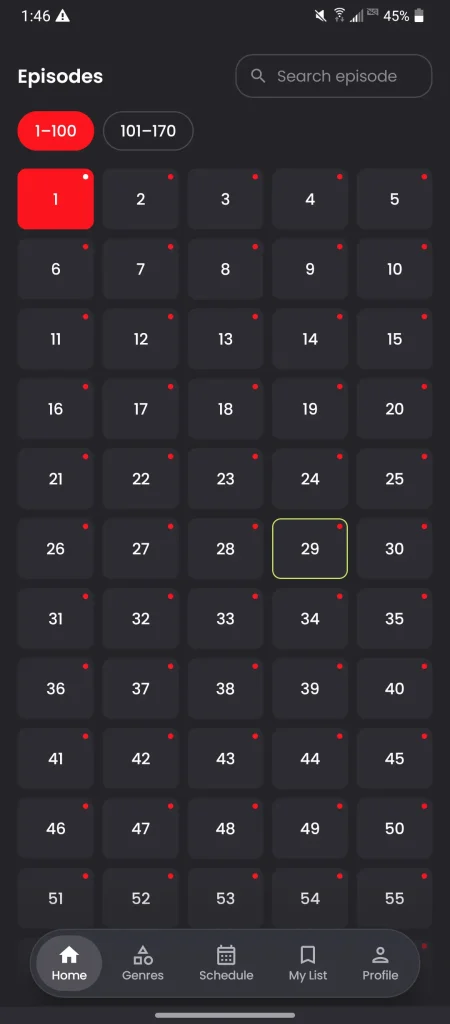
AniFam features an easily navigable interface which will ensure easy navigation through anime on the app. The user must be allowed to explore the homepage, popular titles, and details of anime without having to use difficult menus. An organized layout may assist the visitor in understanding how to navigate through the app.
Search Function Feature:
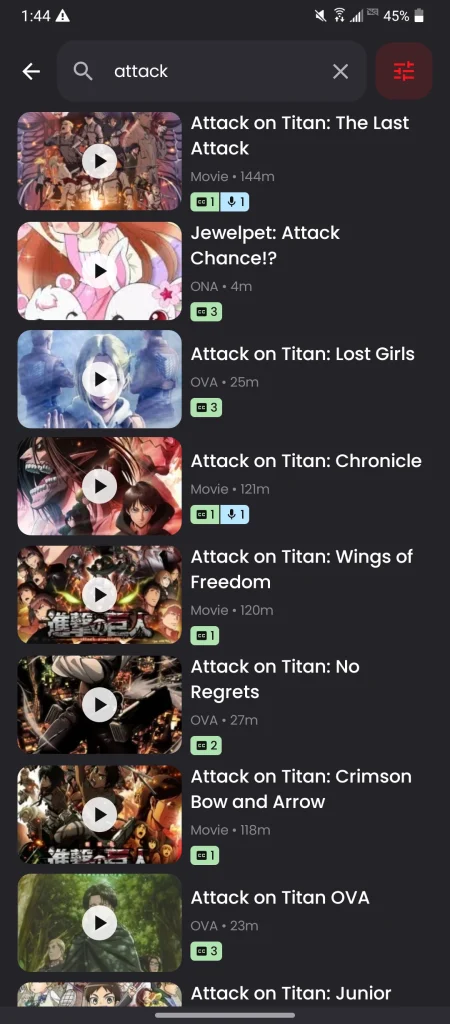
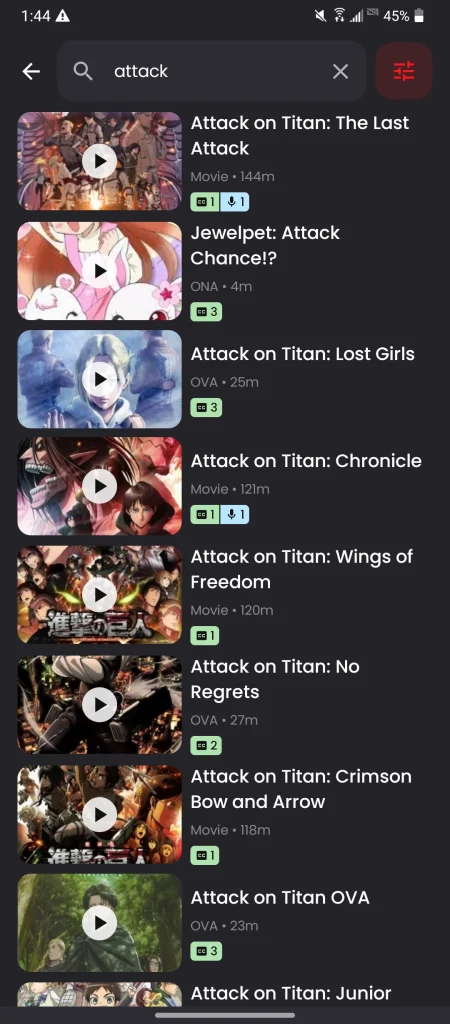
A search feature is an indispensable attribute for any anime providing service,since many users visit such apps looking for a certain anime series. Such an online anime database as AniFam can enable its users to search for anime series by using their titles and, when possible, to narrow down their search by genre, year of release, or format. The importance of this feature increases along with the size of the database.
Continue Watching:
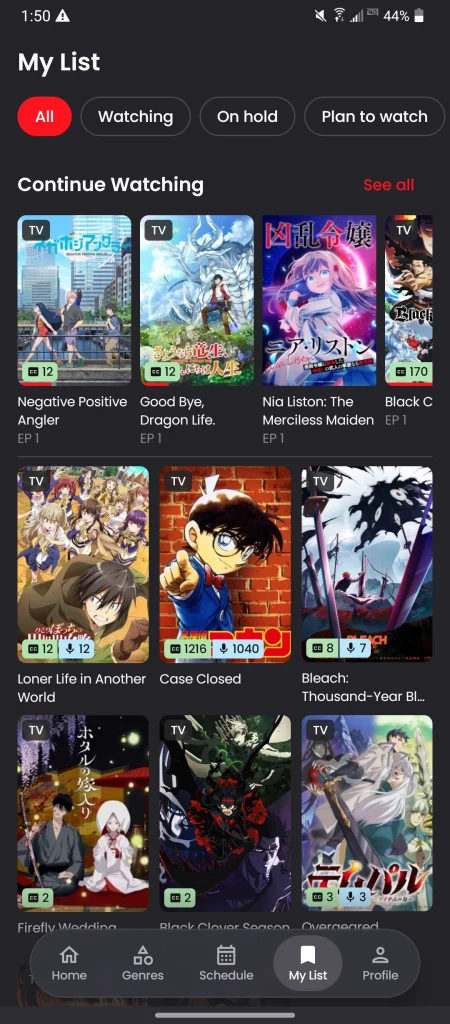
The Continue Watching option assists users in resuming their watch where they left off. They will not have to look for the series again and find the latest episode in it since this function will enable them to access recently viewed episodes much easier. In case the point in the episode that is being played is saved, the platform automatically knows where to start playing the episode.
New Anime and Episodes Added:
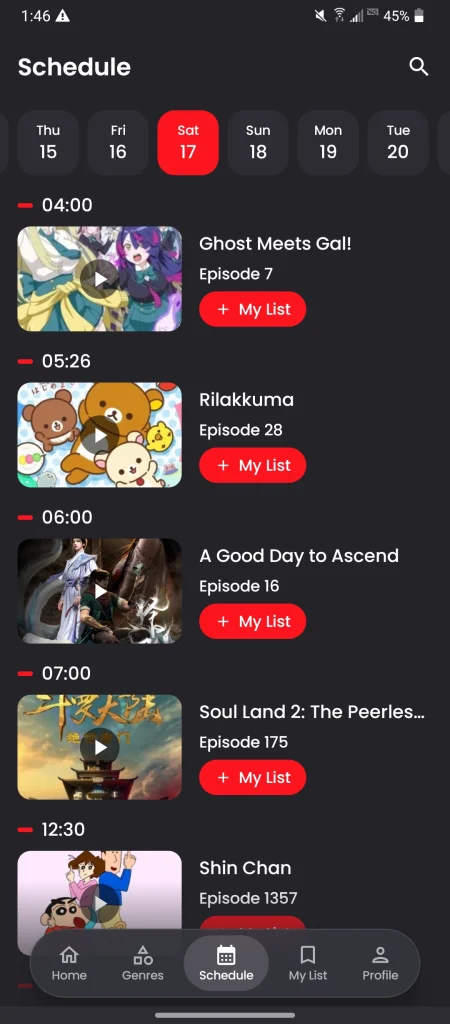
A “Recently Added” section can aid visitors to identify new titles and episodes added on AniFam. The app shows anime posters along with title, genre, and necessary information related to its release date. The update in this section will make the homepage helpful for visitors returning to see what has been newly added. This is essential as users need to identify whether the new addition is a new title or episode.
Watch2Gether Feature:
The Watch2Gether function enables anime fans to enjoy watching their favourite episodes along with their friends or family members regardless of where they may be located. Rather than enjoying the episodes separately, users can participate in a joint session of viewing the content, provided AniFam supports synchronized video watching. This function can help enhance the anime viewing experience by allowing users to interact about the episodes and discuss exciting parts together.
Multiple Streaming Servers:
The advantage of having multiple servers helps the AniFam application be more useful for people who want to watch their favourite anime without any disturbances during playback. This way, the anime episode will have different options for streaming rather than just one option, which means that even if one of the servers is not fast enough or does not work properly, the user can quickly switch to another source.
Offline Download:
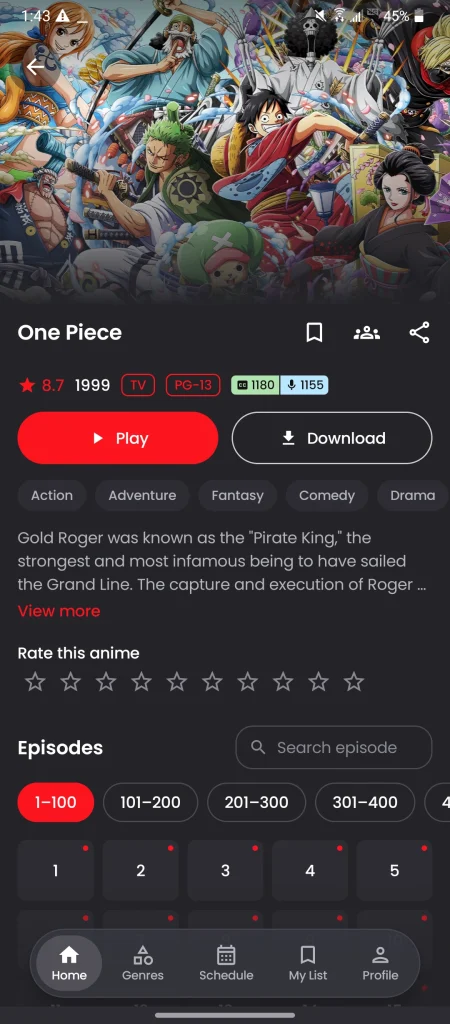
The possibility of downloading AniFam content offline will make it easier for the users who want to enjoy the anime without being online. In other words, the offline downloading option will allow users to download available episodes of anime on any suitable device and watch it offline. Besides that, the offline download option will save users from the problem of buffering due to poor network connection.
Subtitle and Language Options:
AniFam gives options for subtitles and languages that help in making the anime more accessible to viewers from different geographical locations. The use of subtitles enables the viewer to be able to comprehend the dialogue and follow the story despite the anime being in Japanese or any other language. In case it is available, the user can go for English subtitles or any other language that is offered.
Import Watchlist:
Using the Watchlist Import options, the user will be able to import their already existing anime list from popular anime providing services like MyAnimeList and AniList. The user will not have to go through each anime one by one, searching for it on the website.
Connect with AniFam Community:
The community function of AniFam provides anime enthusiasts an opportunity to meet up with other fans, voice their views, and discuss their favorite anime series. Users can take part in discussions on their favourite characters, interesting episodes, amazing moments, and new releases in the anime world rather than viewing anime on their own. The community function will ensure that AniFam is not only an anime watching source but also a platform where like-minded people can communicate with each other.
Types of Anime Available on AniFam
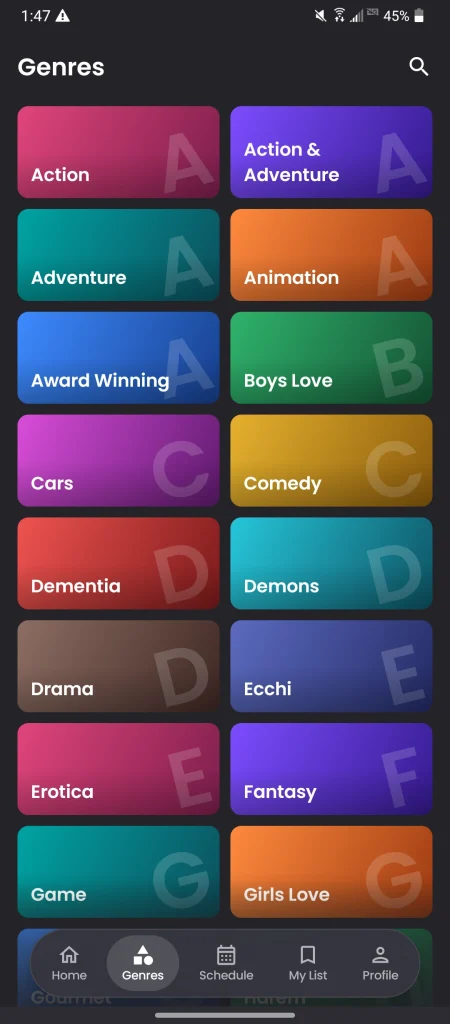
- Action and Adventure Anime
- Romance Anime
- Comedy Anime
- Fantasy and Supernatural Anime
- Horror and Thriller Anime
- Science Fiction Anime
- Anime Movies and Series
Is AniFam Safe to Use?
AniFam’s objective is to offer anime lovers a safe and easy way to view anime on your device. It is possible to make the viewing process easy for the users through a good design of the app where there are secure HTTPS links, navigable sites and videos from a trusted source. The visitors of AniFam are supposed to look for anime without being taken to many links that are not useful or even having pop-up screens.
One more element related to safety is ensuring a safe navigating experience. AniFam focuses on using trustworthy sources for videos, avoiding fake download buttons and explaining which functions demand users’ personal information.
AniFam For Android TV
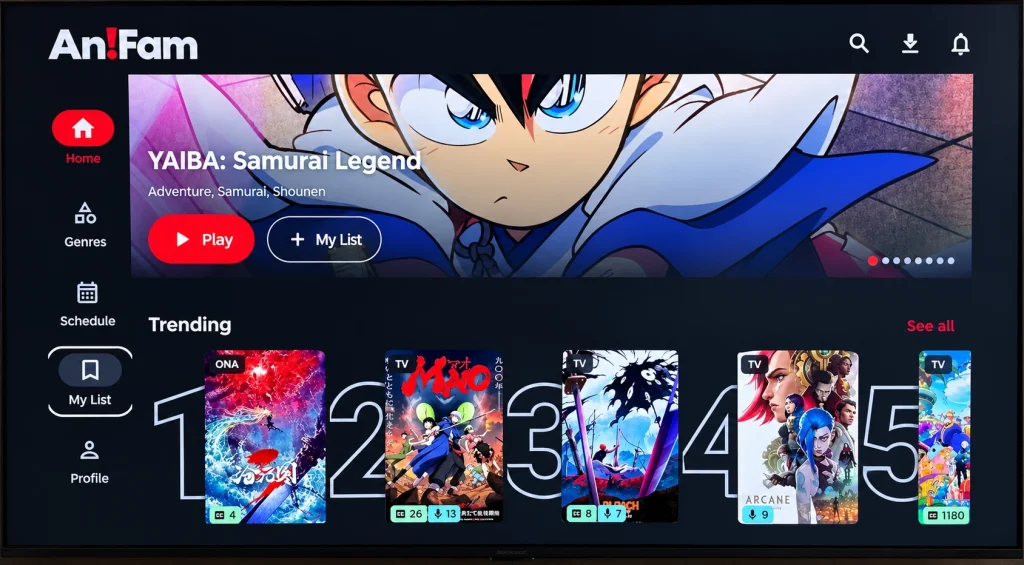
AniFam Android TV application can be quite convenient for anime lovers who would like to watch their anime series and films in a comfortable manner from their TV screen. It is not necessary to view anime series and films from the mobile phone screen as you can view and choose your anime series or videos from the living room. The interface should be designed for the TV screen in order to facilitate navigation.
Downloading and Installing guide:
1: Have a downloader app on your Android TV
On your Android TV, download and install the app downloader such as ‘AFTvnews’.
Open the app downloader: After installing it on your Android TV, Open it to allow downloading of the apps.
For Google TV/Android TV 8+: Settings → Apps → Security & restrictions → Install unknown apps → Switch on Downloader.
For Android TV 7: Settings → Security & restrictions → turn on unknown sources
For Fire TV: Settings → My Fire TV → Developer options → install unknown apps → Downloader.
If there are no Developer options: Settings → My Fire TV → About, click on the device name until the developer options are turned on.
2: Insert Download Link
On the homepage of the downloader app, there will be a URL box, type the link https://anifam.app and press Go.
3: Install the app
The application is downloaded and you can now install it using the downloader app.
Control Anime Streaming Using Your TV Remote
AniFam For PC
AniFam For PC enables anime lovers to experience the possibility of watching their preferred anime on the large display using the PC. This could be an exciting thing because the users gets to enjoy their anime on the computer screen. They will be able to search for anime movies, select from various genres and even view subtitles according to their needs.
AniFam Downloading & Installing Guide For PC
FAQ’s

Conclusion
In all, AniFam aims to make the viewers of anime feel close to what they love watching through simplicity and convenience of viewing. If further enhancements are done on its performance, security, and user experience, then AniFam will be able to become a reliable place for anime lovers.